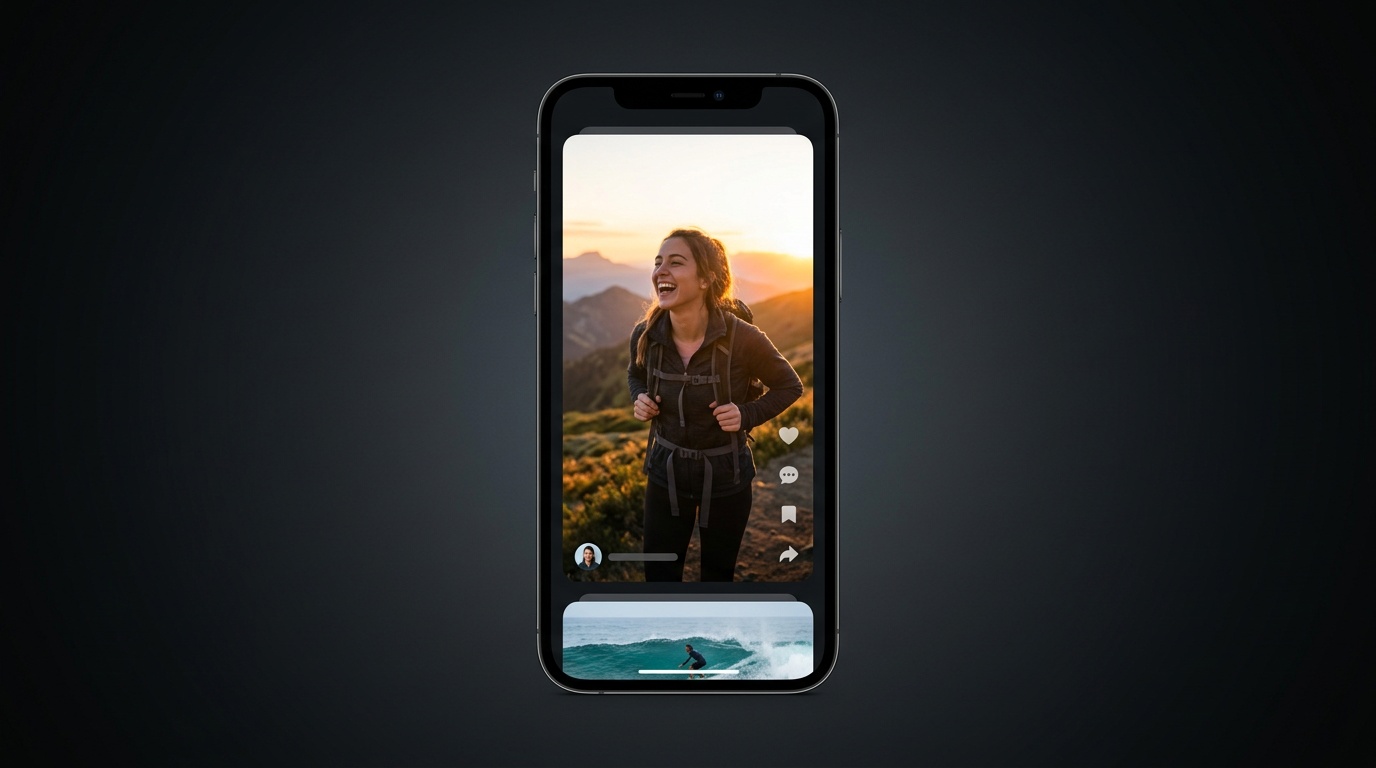
Building a Smooth TikTok-Style Video Feed with expo-video
expo-video is easy when there is only one player on the screen.
It gets harder when the same app has a hero video, a vertical feed, horizontal rows, and a result screen with real controls.
That was my setup, and the problem was not really "how do I play a video in Expo?"
The real problem was that I had too many different video surfaces, and I was treating them like they were the same thing.
That was the mistake.
Some surfaces should create a player early. Some should only play when focused. Some should stay thumbnail-only until the user gets close. Some need a fallback path if remote playback stalls.
This article exists because the fix was not one magic prop. The fix was defining a playback policy.
Why this gets messy fast
Before anything else, I split the problem into four decisions:
- should this surface create a player?
- should this player be playing right now?
- how expensive should this player be?
- what should the user see before the first frame?
Once those decisions were separate, the rest of the architecture got much easier to reason about.
Keep expo-video behind a wrapper
Before optimizing anything, I wrapped expo-video.
I did not want buffer settings, fullscreen behavior, surface type, and player setup scattered around the app. A wrapper was enough to keep those choices in one place.
The official docs are here: expo-video documentation.
export type AndroidBufferProfile =
  | "detail"
  | "preview"
  | "feed-active"
  | "feed-adjacent";

const ANDROID_BUFFER_PROFILES: Record<
  AndroidBufferProfile,
  BufferOptions
> = {
  detail: {
    preferredForwardBufferDuration: 1.75,
    minBufferForPlayback: 0.35,
    prioritizeTimeOverSizeThreshold: true,
  },
  preview: {
    preferredForwardBufferDuration: 1.1,
    minBufferForPlayback: 0.2,
    prioritizeTimeOverSizeThreshold: true,
  },
  "feed-active": {
    preferredForwardBufferDuration: 2.5,
    minBufferForPlayback: 0.4,
    prioritizeTimeOverSizeThreshold: true,
  },
  "feed-adjacent": {
    preferredForwardBufferDuration: 0.6,
    minBufferForPlayback: 0.15,
    prioritizeTimeOverSizeThreshold: true,
  },
};
That wrapper is not doing anything magical. It just gives me one place to define:
- detail player
- preview player
- feed active player
- feed adjacent player
The Android profiles matter, but they are only one part of the setup. The bigger gains came from controlling when players exist and when they are allowed to play.
Creating a player is not the same as playing it
This was the most important mental shift.
In the feed screen, I stopped treating player creation and playback as the same thing.
const shouldCreatePlayer =
  isTransitionFinished &&
  (isActive || isAdjacent) &&
  !!videoUrl;

const shouldPlay =
  isActive &&
  isAppInForeground &&
  isScreenFocused;
Those two booleans solve different problems.
shouldCreatePlayeranswers whether the surface even deserves a playershouldPlayanswers whether that player should be running right now
That distinction matters a lot in a feed.
If you skip it, you usually end up with too many players, too much buffering, and a lot of pointless work.
Active and adjacent states in the vertical feed
For the main feed, I only create players for the active item and its adjacent items.
That keeps the active card feeling instant without paying full price for the entire list.
const videoSource = useMemo(() => {
  if (!shouldCreatePlayer || !videoUrl) return null;

  return {
    uri: videoUrl,
    useCaching: Platform.OS !== "ios",
  };
}, [shouldCreatePlayer, videoUrl]);

const player = useAppVideoPlayer(videoSource, {
  loop: true,
  muted: true,
  androidBufferProfile: isActive
    ? "feed-active"
    : "feed-adjacent",
});
The active card gets the more generous profile.
The adjacent card gets a cheaper one because it might never become primary.
But the more important part is still the playback rule, not the buffer rule.
I mute and pause non-active items immediately:
useEffect(() => {
  if (!player) return;

  if (shouldPlay) {
    player.muted = false;
    player.play();
  } else {
    player.muted = true;
    player.pause();
  }
}, [player, shouldPlay]);
That part is cross-platform. It is the actual behavior change.
In preview surfaces I also kept useCaching disabled on iOS. That is not a universal expo-video rule. It was a decision for this app because preview caching was more stable for me on Android than on iOS.
Thumbnail-first rendering is non-negotiable
If a feed cell shows a black rectangle while the player is warming up, it already feels broken.
So I always keep the thumbnail as the base layer and only reveal the player after the first rendered frame.
<AppVideoView
  player={player}
  contentFit="cover"
  nativeControls={false}
  pointerEvents="none"
  style={[
    StyleSheet.absoluteFill,
    { opacity: hasFirstFrame ? 1 : 0 },
  ]}
  androidSurfaceType="textureView"
  onFirstFrameRender={() => setHasFirstFrame(true)}
/>
That small opacity gate makes a huge difference.
The video does not need to appear instantly. It just needs to replace the thumbnail cleanly.
The important part in that snippet is the first-frame handoff. The textureView line is just one Android-specific rendering detail.
Platform-specific tuning: bufferOptions and surfaceType
This part needs a little more precision.
expo-video exposes cross-platform bufferOptions, but some of the individual fields inside that object are platform-specific.
In practice, that means:
bufferOptionsas an API exists on both Android and iOS- fields like
minBufferForPlaybackandprioritizeTimeOverSizeThresholdare the Android-focused tuning knobs I used here waitsToMinimizeStallingis an iOS-specific buffer setting in the same APIsurfaceTypeis Android-only
That is what let me differentiate between:
- active feed cards
- adjacent feed cards
- detail players
- preview players
It is also why I explicitly used textureView in places where overlapping video views or layered transitions mattered.
The Expo docs even call out surfaceType="textureView" as a workaround for overlapping VideoView issues on Android.
So when I show code like this:
const player = useAppVideoPlayer(videoSource, {
  loop: true,
  muted: true,
  androidBufferProfile: isActive
    ? "feed-active"
    : "feed-adjacent",
});
that section is really about Android playback cost tuning, not the entire solution.
The full solution is still the lifecycle policy around create, play, pause, mute, and fallback.
Horizontal rows need a playback budget
The feed was not the only video surface in the app.
I also had horizontal rows on the home screen, and those rows cannot behave like TikTok. If every visible card in every visible row gets a player, you burn too much memory for a surface that does not need it.
So I added a row-level playback budget.
const remainingSlots = heroVisible ? 3 : 4;
const rowBudget = Math.min(2, remainingSlots);

const shouldPlayCard =
  isRowVisible &&
  isCardVisibleHorizontally &&
  cardIndex < rowBudget;
That gave me a simple rule:
- only the first few eligible cards in visible rows get players
- everything else stays thumbnail-only
I also delayed unmount slightly when a card leaves eligibility so quick threshold changes do not churn players too aggressively.
useEffect(() => {
  if (shouldPlay) {
    setShouldRenderVideo(true);
    return;
  }

  const timeout = setTimeout(() => {
    setShouldRenderVideo(false);
  }, 180);

  return () => clearTimeout(timeout);
}, [shouldPlay]);
That made the horizontal rows feel much cheaper than the full-screen feed.
The hero should not behave like the feed
The hero had a different problem.
I wanted the carousel to feel interactive while still showing video when it was settled.
The solution was:
- slide thumbnails during the gesture
- show the active video as a separate overlay
- fade the video overlay out while dragging
- only play when the hero is visible, the screen is active, and the gesture has settled
const shouldPlayHero =
  isScreenActive &&
  isHeroVisible &&
  isSettled &&
  !!activeVideoUrl;
That worked better than trying to keep every hero slide as a live player.
The result screen needs a different player
I did not use the same player component everywhere.
Muted looping preview cards and a full result screen are not the same problem.
The result screen uses a shared VideoPlayer with:
- playback controls
playingChangelistenerstimeUpdatelistenersstatusChangelisteners- fullscreen support on iOS
- remote-first playback with local fallback
If you are using those events, the relevant Expo docs are:
The usage is simple:
<VideoPlayer
  uri={videoUrl}
  controlsVariant="playback"
  muted={false}
  loop={false}
  androidBufferProfile="detail"
  iosAllowFullscreen
  fallbackToLocal
  fallbackTimeoutMs={8000}
/>
The fallback logic is straightforward.
If the player stays in loading too long before the first successful load, or if it moves into an error state, I download the MP4 into the cache directory and swap the source.
if (
  fallbackToLocal &&
  !fallbackApplied.current &&
  !hasLoadedOnce.current
) {
  fallbackTimer.current = setTimeout(() => {
    startLocalFallback();
  }, fallbackTimeoutMs);
}

if (status === "error" && fallbackToLocal) {
  startLocalFallback();
}
That is not about micro-optimization. It is about making the result screen reliable.
If a finished result opens and playback stalls, the whole feature feels broken.
What actually mattered
If I had to compress the whole setup into a few practical rules, it would be these:
- keep expo-video behind a wrapper
- separate player creation from playback
- treat feed, rows, hero, and result screens as different surfaces
- default to thumbnails first
- gate playback on focus and foreground state
- use Android buffer profiles as a detail, not the whole strategy
- add a fallback path for important playback surfaces
That last point matters.
This article is not really about one Android buffer flag.
The bigger win was deciding:
- where a player should exist
- when it should play
- when it should stay muted
- when a thumbnail is the better default
- which surfaces deserve a recovery path
Once I accepted that, the architecture got much cleaner.
Final result
This is what the feed looked like after separating player creation from playback and keeping the active item as the only real priority:
Final thoughts
expo-video itself was not the hard part here.
The hard part was being honest about how many different video surfaces the app actually had.
Once I stopped treating all of them the same, the feed started feeling much better.
And to give expo-video some credit, once the playback policy was clear, the library itself did its job very well.
Having useVideoPlayer and VideoView on one cross-platform code path made it possible to keep the architecture mostly shared, and only branch where the platforms actually differ, like Android bufferOptions, Android surfaceType, or iOS fullscreen behavior.
If you are building a feed-style UI with expo-video, I would start there.